Understanding the Basics of Selfie Mosaic
What is a Selfie Mosaic?
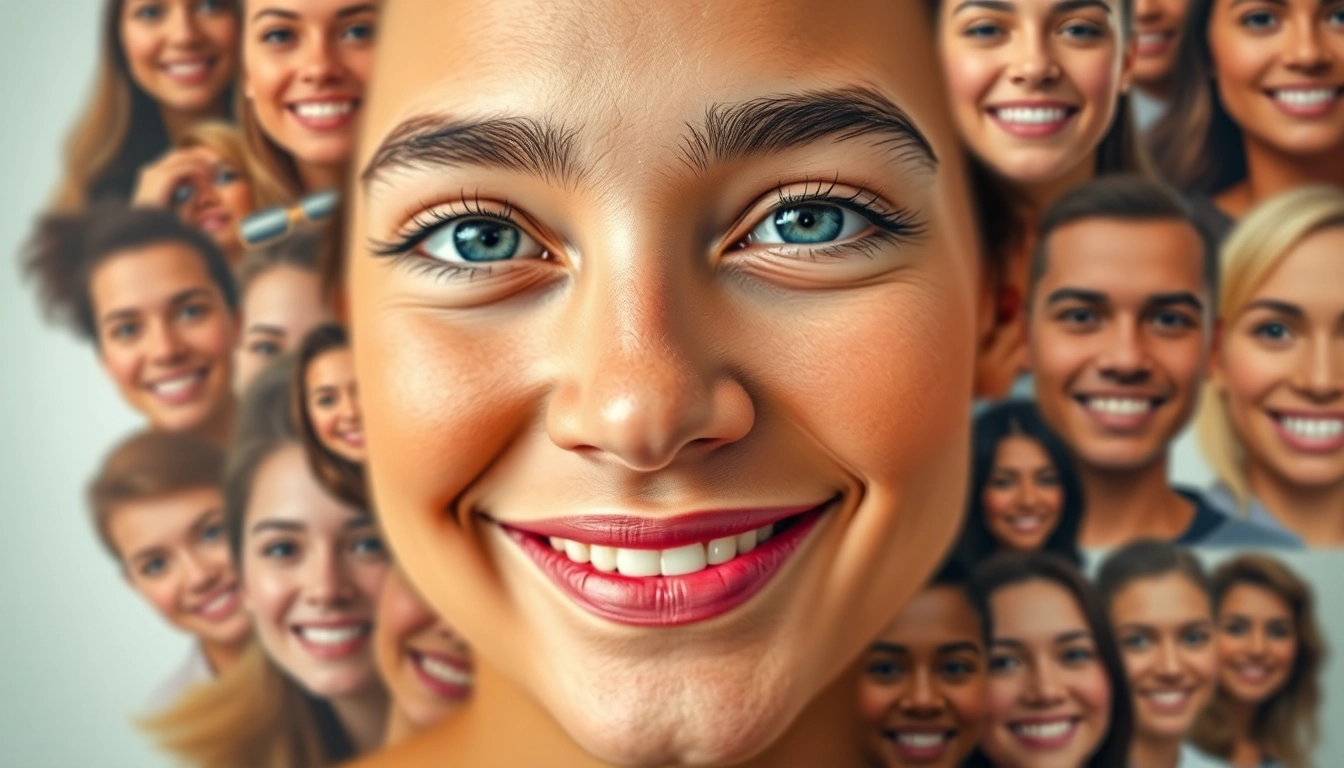
A selfie mosaic is a creative artwork composed of many smaller images, typically selfies, that together form a larger picture. This modern artistic trend allows individuals to showcase their personality and experiences by using multiple photographs to create a unified visual narrative. It's both a celebration of individuality and a collective representation of moments shared, making it a popular choice for personal projects, gifts, or even professional displays.
How Selfie Mosaic Art Works
The heart of a selfie mosaic lies in how images are selected and arranged. The technique involves taking numerous smaller selfies and strategically placing them in a grid format to form a larger, cohesive image. Most software tools that assist in creating a selfie mosaic analyze the colors and shades of the individual images to match them against a predetermined palette dictated by the larger picture. When done effectively, the result can be astounding, creating intricate designs that often tell a story or evoke emotional responses.
Benefits of Creating a Selfie Mosaic
- Personalization: A selfie mosaic can make any occasion memorable by encapsulating various moments in one artwork.
- Creative Expression: It offers a unique avenue for creativity, allowing individuals or groups to express themes or sentiments that resonate with them.
- Engagement: When created as part of events or projects, it can enhance engagement among participants by contributing their selfies to a larger piece.
- Gifting: A custom selfie mosaic makes for a thoughtful gift, representing shared experiences among friends, family, or colleagues.
Essential Tools for Creating a Selfie Mosaic
Best Software for Designing Selfie Mosaics
Numerous software options exist that facilitate the creation of selfie mosaics, ranging from professional-grade applications to user-friendly online tools. Some popular choices include:
- Mosaic Maker: A straightforward tool perfect for beginners that allows users to upload images and receive immediate results.
- Adobe Photoshop: A more advanced tool that offers extensive customization options for those willing to invest time in learning its features.
- Mosaically: An online platform designed specifically for creating photo mosaics efficiently, with a focus on high-quality output.
Choosing the Right Images
The success of a selfie mosaic greatly depends on the selection of images. High-resolution images with varied colors will yield better results, as they can blend more seamlessly together to create depth and texture in the finished product. It's essential to choose selfies that not only represent individual moments but also complement the overarching design or theme.
Hardware Requirements for Optimal Results
For creating a selfie mosaic, a standard computer is generally sufficient. However, here are some hardware considerations:
- Graphics Capability: A computer with a decent graphics card will help in rendering images quickly and efficiently.
- Storage Space: Sufficient hard drive space is needed to save high-quality images, as mosaics can involve numerous large files.
- Monitor Resolution: A high-resolution monitor will enable better image processing and allow for finer details in the mosaic to be perceived accurately.
Step-by-Step Guide to Making a Selfie Mosaic
Collecting Your Selfies
The first step to creating your selfie mosaic is to gather the selfies you want to use. Depending on the final image’s size and detail, you may need anywhere from hundreds to thousands of selfies. Consider using social media platforms where you often share photos, as these can be a rich source of relevant content. Ensure that the selfies vary in expression, background, and lighting to provide a broader palette for the mosaic.
Designing Your Mosaic Layout
Once you’ve collected your selfies, it’s time to design the layout of your mosaic. Most software programs allow you to select a base image around which the selfies will be arranged. This established image should convey the theme or message you wish to express through the mosaic. You can experiment with asymmetrical designs or stick to a grid format—whichever presents your vision best.
Finalizing and Printing Your Selfie Mosaic
After designing the mosaic, you’ll need to preview it to ensure everything is aligned as intended. Adjustments may be necessary to enhance the overall appearance. Once satisfied, you can finalize your design and export it for printing. For high-quality results, consider using professional printing services that specialize in photo mosaics to ensure that colors and details are sharp and vibrant.
Common Challenges and How to Overcome Them
Image Quality Issues
One common challenge when creating a selfie mosaic is dealing with varying image qualities. Low-resolution images can detract from the final product’s overall aesthetics. To mitigate this issue, only include high-resolution selfies and, if necessary, consider using filters or enhancement tools within your software to improve image quality before finalizing your mosaic.
Color Consistency in Mosaics
Achieving color consistency can be challenging, particularly if the selfies are taken in different lighting conditions. A tip to handle this is to apply basic color correction to all images before beginning the mosaic design process. Most photo editing software offers filters that can standardize brightness, contrast, and saturation, thus creating a harmonious color palette.
Managing Large Number of Images
When creating a mosaic from hundreds or thousands of selfies, managing the images can become overwhelming. Organizing them into folders by theme, date, or event can aid in quickly finding and selecting the right selfies for inclusion. Additionally, many software options allow batch processing of images, which can greatly simplify the workflow.
FAQs About Selfie Mosaic
What platforms can I use for creating a selfie mosaic?
Several platforms exist for creating selfie mosaics, including dedicated online tools like Mosaically and software like Adobe Photoshop or Mosaic Maker, which cater to both beginners and professionals.
Can I use selfies from social media for my mosaic?
Yes, selfies from social media can be utilized, but ensure you have permission to use them, especially if they include other people. High-quality images will yield better results in the final mosaic.
How long does it take to create a selfie mosaic?
The time required depends on the complexity of the design and the number of images. Creating a basic mosaic can take a few hours, while more intricate designs might extend to several days of work.
What are some creative themes for a selfie mosaic?
Creative themes for selfie mosaics can include vacations, celebrations, milestones (like weddings or graduations), favorite pastimes, or visual representations of emotions, utilizing different selfies to highlight those themes.
Is it possible to convert a selfie mosaic into a poster?
Absolutely! Once your selfie mosaic is finalized, it can be printed as a poster. Make sure to choose a high-resolution format suitable for large prints to maintain quality and detail.