Introduction to Digital Planners For iPad
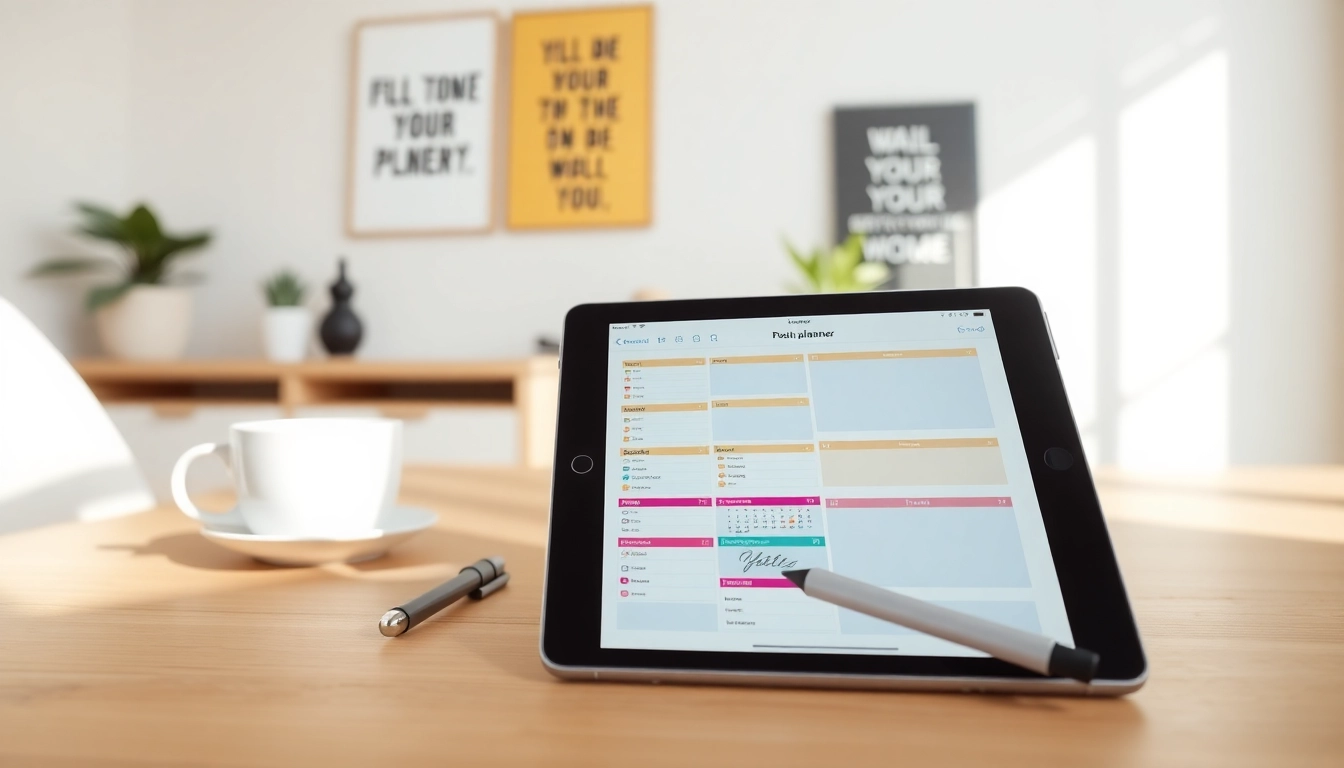
In today's fast-paced world, organization and productivity have become paramount. As our lives become increasingly digital, so too does the need for effective planning tools. Enter Digital Planners For iPad, which offer a seamless way to keep track of tasks, goals, and schedules right at your fingertips. These planners combine the best of traditional paper planners with the efficiency and versatility of digital technology, offering users a unique way to enhance their productivity.
What are Digital Planners?
Digital planners are application-based or digitally formatted planners that can be used on devices like the iPad. Unlike traditional paper planners, digital planners allow for dynamic and interactive organization of schedules, tasks, and notes. They often come in formats compatible with various applications designed specifically for note-taking, drawing, and task management. Popular formats include hyperlinked PDFs or integrated apps that offer diverse functionalities from goal tracking to daily task management.
Benefits of Using Digital Planners For iPad
Embracing a digital planner brings a host of benefits that can significantly impact personal productivity:
- Eco-friendly: Using digital planners reduces paper waste, making them a sustainable choice.
- Portability: Carrying your planner digitally means having it accessible wherever you go, as long as you have your iPad at hand.
- Customization: Many digital planners allow for a high degree of personalization, enabling users to design layouts and themes to fit their individual planning styles.
- Integration: Digital planners can easily integrate with other apps, like calendars, reminders, and note-taking software, enhancing overall productivity.
- Searchability: Quick searches through digital planners allow users to find information faster than flipping through a physical planner.
Key Features to Look For
When choosing a digital planner for your iPad, it's essential to consider several features:
- Compatibility: Ensure that the planner works smoothly with your preferred note-taking apps like GoodNotes, Notability, or others.
- User Interface: A clean and intuitive interface makes for easier navigation and a better user experience.
- Customization Options: Look for planners that allow you to modify layouts, colors, fonts, and more.
- Hyperlink Support: Hyperlinked planners can improve usability by providing instant access to different sections.
- Task Management Features: Consider planners that include task lists, reminders, and goal-tracking functionalities.
Choosing the Right Digital Planner For iPad
Selecting the appropriate digital planner can feel overwhelming with so many options available. However, by understanding your needs and preferences, you can make a more informed choice.
Types of Digital Planners
Digital planners come in various formats and styles. Understanding these can help you pick one that aligns with your organizational needs:
- Daily Planners: Great for those who prefer to break down their tasks daily.
- Weekly Planners: Perfect for visualizing an entire week at a glance.
- Monthly Planners: Ideal for long-term goal tracking and upcoming month event planning.
- Bullet Journals: Flexible and customizable, combining elements of traditional journaling with a planner.
Compatibility with iPad Apps
Ensure the planner you choose is compatible with popular iPad applications. Most users lean towards combinations that allow seamless integration with apps for writing, illustrating, and scheduling. Consider platforms like:
- GoodNotes
- Notability
- Apple Notes
- Microsoft OneNote
User Experience and Design Preferences
User experience should be a priority when selecting a digital planner. Prioritize planners that provide not just functionality but also an attractive design that enchants you to engage with it daily. Look for options that offer:
- Intuitive navigation
- Aesthetic layouts
- Interactive elements like stickers or custom icons
Setting Up Your Digital Planner For iPad
Setting up your digital planner for the first time is an exciting step toward achieving better organization. Here’s how to do it effectively:
Downloading and Installing Your Planner
To get started, download the planner of your choice. Most planners are available as PDF files or through applications. Follow the installation instructions carefully to enable full functionalities:
- Select your planner type and download it to your device.
- Open the planner in your chosen application.
- Ensure the application allows for markup or note-taking to maximize the planner's potential.
Personalizing Your Planner
Customization enhances your connection to the planner. Here’s how to make your digital planner feel unique:
- Change colors and fonts according to your preferences.
- Add personal goals, inspiring quotes, or images that motivate you.
- Integrate stickers or digital drawings to create visual cues.
Integrating with Other Productivity Tools
One of the significant advantages of digital planners is their ability to connect with other productivity tools:
- Sync with calendars to manage events seamlessly.
- Link tasks with reminder apps to stay on top of your schedule.
- Utilize cloud storage solutions for quick access across multiple devices.
Best Practices for Using Digital Planners For iPad
Maximizing the effectiveness of your digital planner requires adopting some best practices. Below are strategies to enhance your planning process:
Time Management Strategies
Implementing structured time management strategies can significantly boost productivity. Consider using techniques such as:
- The Pomodoro Technique: Work for short bursts of time followed by brief breaks.
- Time Blocking: Allocate specific time slots for tasks to ensure focus and efficiency.
- Prioritization: Rank tasks based on urgency and importance to avoid last-minute stress.
Goal Setting with Digital Planners
Digital planners are ideal for setting and tracking goals effectively. Follow these steps to ensure you remain on target:
- Define SMART goals—Specific, Measurable, Achievable, Relevant, and Time-bound.
- Break larger goals into actionable tasks, assigning deadlines to each.
- Regularly review and adjust goals based on progress and changing circumstances.
Common Mistakes to Avoid
It's easy to adopt habits that hinder productivity. Here are common missteps to be aware of:
- Failing to review your planner regularly, leading to missed tasks.
- Overloading planners with too many tasks, making them overwhelming.
- Neglecting to personalize the planner, resulting in decreased motivation.
FAQs on Digital Planners For iPad
Can I use my iPad as a digital planner?
Yes, your iPad is an excellent tool for digital planning, allowing for interactive and versatile organizational methods while reducing paper waste.
What apps work best with digital planners on iPad?
Applications like GoodNotes, Notability, and Microsoft OneNote are among the best options, supporting rich features for writing and planning.
Are there free digital planners available for iPad?
Yes, many free digital planners are available that provide essential features for task management and goal tracking. Check app stores or community resources.
How can I make my digital planner more efficient?
Maximize efficiency by using templates, integrating task reminders, and setting regular review schedules to maintain workflow and accountability.
What features enhance the digital planning experience on iPad?
Features like hyperlink navigation, customizable layouts, user-friendly interfaces, and cross-app integration significantly enhance the planning experience.